Multi-repo control
See dirty, ahead, behind, clean, and conflicted repositories together, then act on any of them without leaving the window.
 Let's Git It
Every repository, one workspace
A native multi-repository Git workspace for Windows and macOS. See every repository at a glance, run the same operation across all of them, review history and diffs, and extend the app with signed add-ons from the marketplace.
Version 2.0.0 Windows 10/11 macOS 12+
Built around repositories
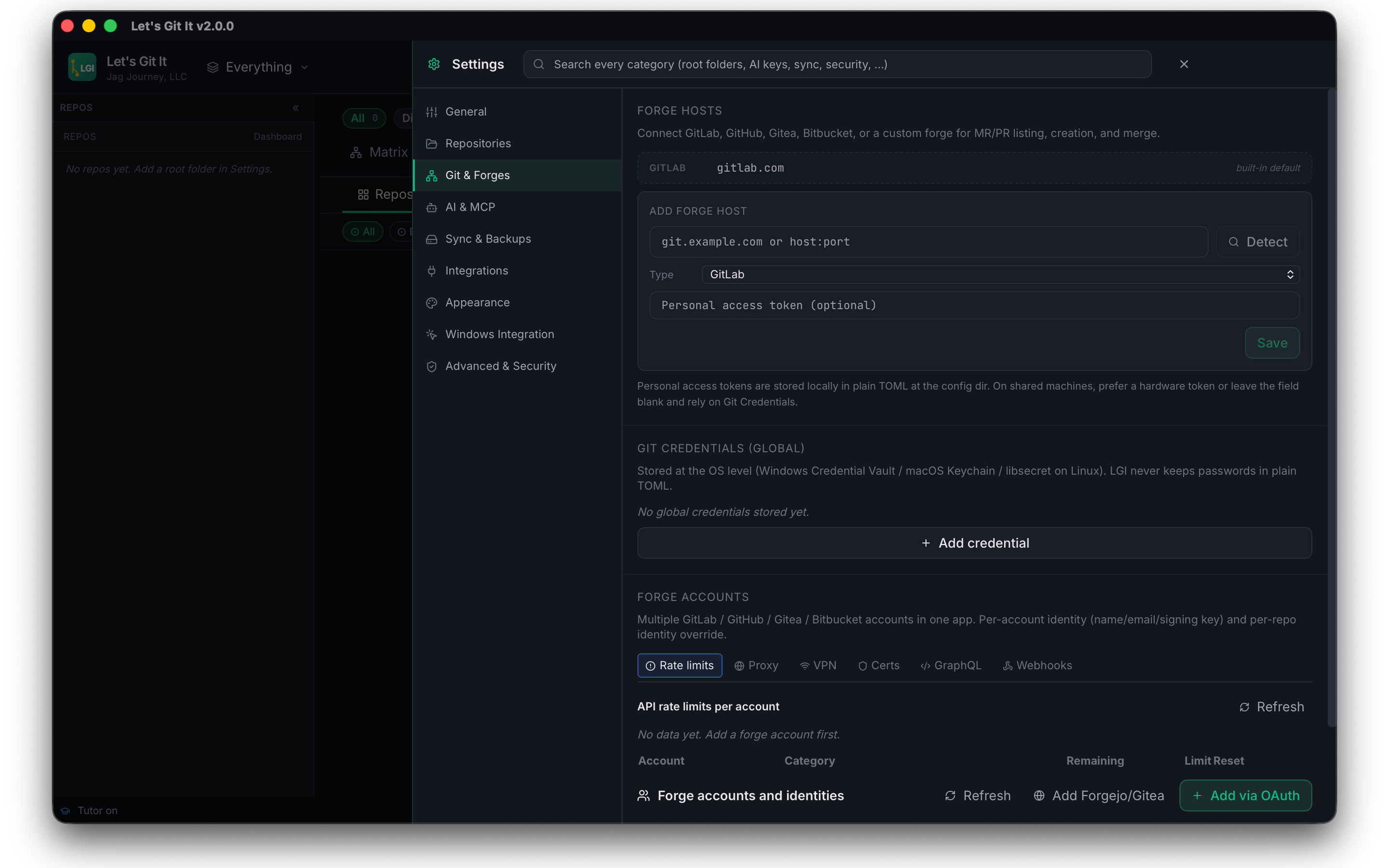
Scan repositories, compare state, resolve conflicts, review history, automate repeat work, and connect the tools your team already uses.
See dirty, ahead, behind, clean, and conflicted repositories together, then act on any of them without leaving the window.
Commit, branch, stash, sync, inspect, and recover without losing command-level control.
Connect supported providers or local models while credentials stay in the operating system vault.
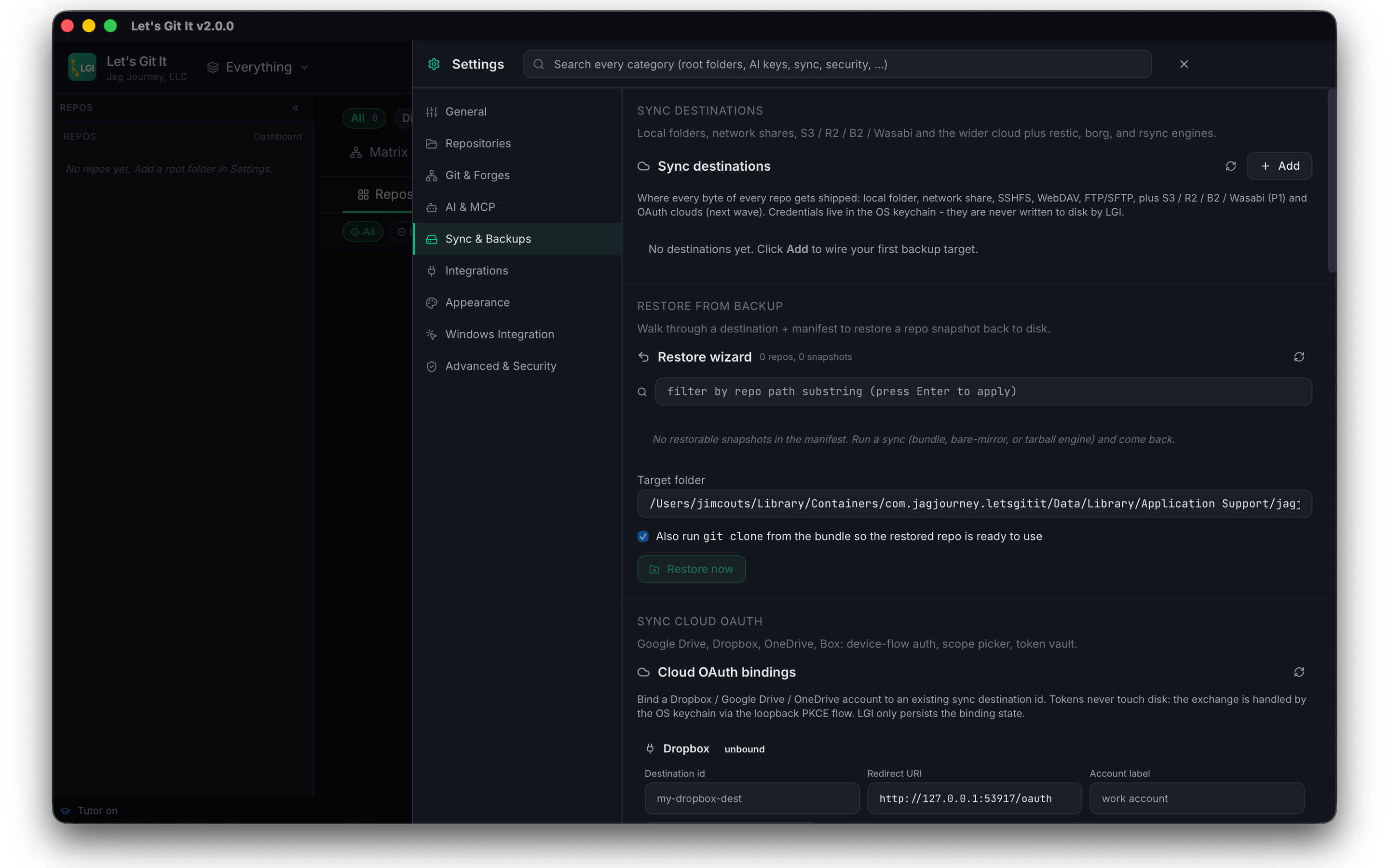
Build repeatable workflows and protect repositories across local and cloud destinations.
Install reviewed add-ons from the marketplace. Each one declares its permissions before it runs.
The core application is free on Windows and the Mac App Store. Paid add-ons stay optional.
Community supported
LGI remains free to download. Donations support signing, infrastructure, testing, and continued development.
USD / month, starting amount
Monthly support requires an account. Use the same account you use in Let's Git It.
Sign in to support monthly Create an accountSecure checkout through Pay by Jag, right here on Let's Git It.
Support payments are not tax-deductible charitable donations.
Marketplace add-on
A focused coding workspace that plugs into LGI through the signed extension runtime. Every capability requires a valid JAGs IDE license, including during offline lease use.
$9.00
One-time license tied to your account. A valid license is required to use JAGs IDE.
Extension marketplace
Browse and install signed LGI add-ons today, or publish your own. Every listing ships from reviewable source through documented APIs, scoped permissions, and reproducible package checks.
Use the versioned SDK and manifest contract.
Provide reviewable source, provenance, and a reproducible build.
Automated scanning and human review verify permissions and behavior.
Signed packages reach users through the LGI marketplace.
Yes. The core Windows and macOS application is free. Optional add-ons such as JAGs IDE are sold separately.
Windows 10 and 11, and macOS 12 or later. The Windows installer is signed, and the macOS edition ships through the Mac App Store.
Open the marketplace on this site or inside the app, choose a listing, and install it. Each extension declares the permissions it needs before it runs, and you can revoke them at any time.
Publishing is open to approved developers. Submissions require reviewable source, a reproducible build, and a passing review before a signed package reaches users.
Submitted source is restricted to the review pipeline and authorized reviewers. Published packages are signed and traceable to reviewed source.
No. Directory submissions must remain reviewable and reproducible, because obscurity cannot replace verification.
No. Repositories, source, and local model data stay on your device. Website account data covers purchases, licenses, and support only.